

How the CSM-Built ServiceNow Agent Calendar Fixes IT Support's Dilemma
It is 8:30 AM. A support agent logs on and opens 14 browser tabs: the ServiceNow incident list, the request queue, the Jira board, the Slack war rooms and the shift handover notes. Before a single customer request is answered, 45 minutes are gone.
I lead the ServiceNow practice at CSM Technologies, and I see this pattern in support teams of every size. The problem is rarely the people. It is how the work is presented to them. This post covers why SLAs slip, how a calendar-based workspace on ServiceNow changes that, and what leaders can measure.
Why SLAs Slip Quietly
Ask a support agent what slows them down and the answer is rarely a lack of data. Agents have plenty of it. What they lack is one place where it all makes sense.
Take a Monday morning after a busy weekend. The incident list is a wall of identical rows. Nothing shows which ticket changed overnight, which one is nearing its SLA, or whose turn it is to act. Agents switch constantly between ServiceNow, Jira and Slack, and at the end of the week nobody can say where the time went. SLAs are rarely missed because teams do not care. They are missed because nobody saw the breach coming.
Meet the Calendar Workspace
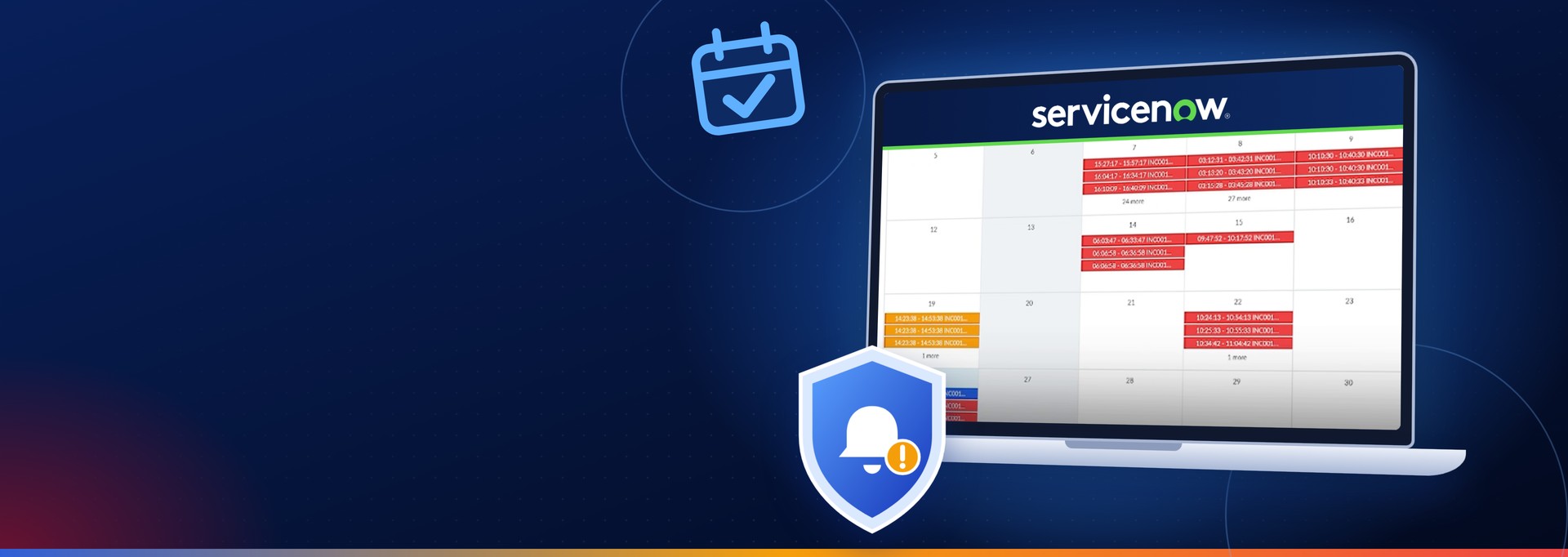
Our answer is a ServiceNow workspace that places incidents and requests on one interactive calendar, color-coded by SLA health. We built it on the Next Experience framework using UI Builder, so it lives inside ServiceNow rather than beside it. The idea started with a question I put to my team: what if IT support looked less like an administrative database and more like an operational command center? The workspace is part of our wider ServiceNow consulting and implementation practice.
See It in Action
The easiest way to understand the workspace is to watch it work. The demo below runs about 90 seconds on a working calendar of incidents and requests.

Want to start a project?
Get your Free ConsultationOur Recent Blog Posts















































































































































© 2026 CSM Tech Americas All Rights Reserved