


So, Is Power BI Actually a Decision Support System?
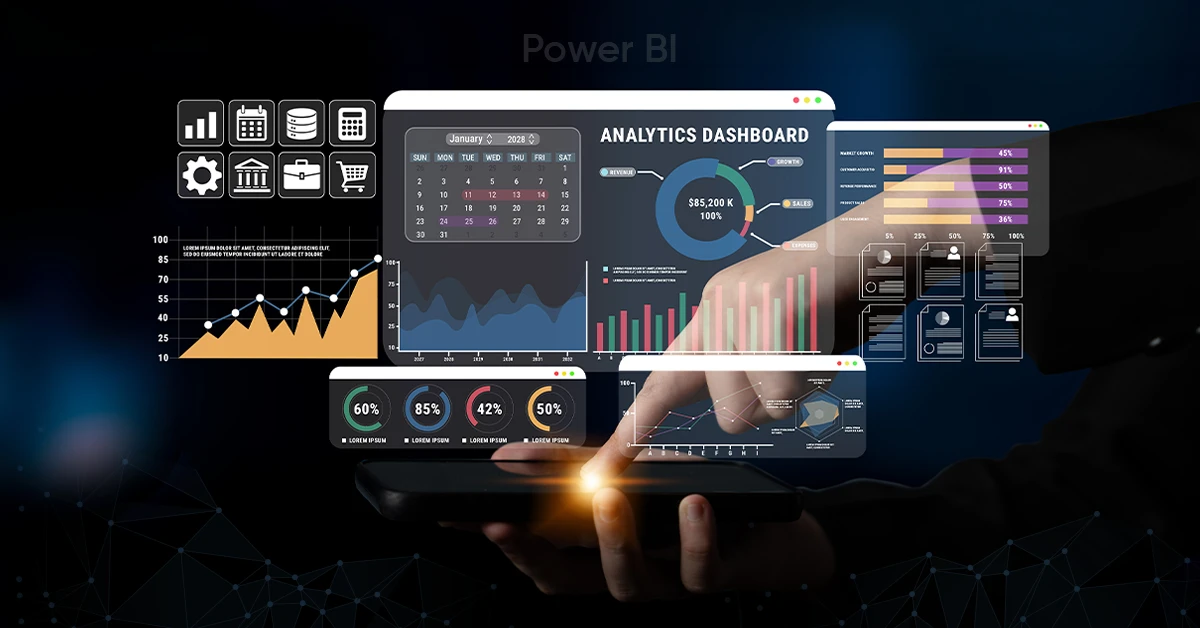
Short answer: Yes, when it's set up right! A Power BI decision support system pulls your organization's data into one place, models it into something usable, and puts real answers in front of the people making the calls. Not vanity charts. Actual decision fuel.
Here's the thing nobody tells you when you roll out Power BI: most teams stop at "pretty dashboard." They connect a data source, drop in a bar chart, call it a win. And then six months later, leadership is still making the big calls in a Tuesday meeting based on whoever talks the loudest.
That's not a Power BI problem. That's a "we built a report, not a decision support system" problem. There's a real difference, and it's the difference between a tool people glance at once a week and a tool people actually build decisions around.

What Actually Makes Power BI a Decision Support System (Not Just a Dashboard Tool)
A real decision support system does three jobs at once: it pulls your data together, it makes sense of that data, and it puts the answer in front of the right person before the decision gets made, not after. Power BI can do all three. Here's how.
1. It Stops the "Whose Numbers Are Right" Fight
Power BI plugs into pretty much everything, including SQL databases, Salesforce, Google Analytics, SAP, spreadsheets your finance team refuses to give up, web APIs, you name it. Once it's all in one model, nobody's arguing over whose spreadsheet is more "official." That fight alone eats hours every month in most companies. This is what data-driven decision making actually looks like in practice, not a slogan on a slide, just fewer arguments over numbers.
2. It Does the Thinking, Not Just the Charting
This is the part people skip. Power Query and DAX let you build actual logic into your data, including relationships, calculated metrics, "what happens if we raise prices 8%" scenarios. This is the difference between a dashboard that shows you what happened and a system that helps you decide what to do next. Skip this step and you basically built an expensive Excel screenshot.
3. It Lets People Actually Dig, Instead of Waiting on You
Nobody wants to Slack the analyst and wait two days for a filtered version of a report. Good Power BI dashboards let people filter, drill down, and poke at the data themselves, which means faster answers and way fewer "can you pull this real quick" pings on your calendar.
Where This Actually Shows Up in the Business
Catching Problems Before They Become Fires
Live dashboards tied to real operations mean you find out about a supply chain delay or a sales dip today, not at the end-of-month review when it's already a mess. That's the whole point of real-time business intelligence — the warning shows up while you can still do something about it.
Actually Modeling What Happens Next
With the data modeled properly, Power BI can help you answer the questions leadership actually asks in planning meetings - "what happens to margin if costs jump 10%?", instead of everyone shrugging and guessing.
Getting Finance, Sales, and Ops on the Same Page
Shared, standardized dashboards mean finance, sales, and ops are finally looking at the same version of "revenue." Sounds small. Fixes a shocking number of internal fights.
Giving Leadership the View They Actually Need
Executive dashboards roll enterprise KPIs up into one clean view, so leadership isn't digging through six spreadsheets before a board meeting.
Keeping the Data Trustworthy (This One Matters More Than People Think)
Row-Level Security, lineage tracking, Microsoft Purview integration - none of this is exciting, but it's what keeps self-service analytics from turning into a compliance headache. Trust in the data is the whole game; without it, nobody uses the dashboard for real decisions anyway.
A Quick Example: Renovation Budgets at a Retail Chain
Picture a retail chain trying to figure out which stores get renovation budget this year. Old way: regional managers make their case, loudest voice wins. With an actual Power BI decision support system in place:
- Sales, foot traffic, and customer satisfaction data all land in one model, no more comparing apples to somebody's gut feeling.
- A DAX-built scorecard ranks stores by ROI potential automatically.
- Leadership explores an interactive map instead of squinting at a spreadsheet.
- The final call is backed by evidence, and it's documented, so nobody's re-litigating it next quarter.

How to Actually Get This Right (Not the Textbook Version)
- Figure out the decision before you touch the dashboard. If you can't name the decision this report is supposed to support, you're not ready to build it yet.
- Don't skimp on the data model. This is the unglamorous part, and it's also the part that actually makes Power BI a decision support system instead of a slideshow.
- Build for poking around, not just looking at. If your dashboard only supports one view, you built a poster, not a tool.
- Lock down your definitions early. Decide what "revenue" means once, company-wide, before three departments each build their own version.
- Don't forget the humans. The best-built DSS in the world fails if nobody's trained on it or incentivized to actually use it instead of their gut.
Questions People Actually Ask About Power BI Decision Support Systems
Is Power BI really a decision support system, or just a reporting tool?
It's a decision support system when it's built like one — pulling in data from multiple sources, modeling relationships and logic, and putting interactive, explorable insight in front of the people making decisions. Stop at static charts and it's just a reporting tool with better colors.
How is this different from the "old school" decision support systems companies used to build?
Those older systems usually meant custom infrastructure and a dedicated IT team just to keep the lights on. Power BI gets you similar capability - integration, modeling, visualization, as a cloud-based, self-service platform, without the six-figure build-out or the multi-year timeline.
What kinds of companies actually use it this way?
Retail, finance, healthcare, manufacturing, logistics, higher ed - basically anywhere someone's making operational, financial, or strategic calls and wants better evidence than "I've got a good feeling about this."
Do you need to be a big enterprise to make this work?
No, that's actually the point. Power BI's pricing tiers and native Excel integration mean small and mid-sized teams can run this without hiring a full BI department to make it happen.
What skills does a team actually need to pull this off?
Data modeling, DAX, Power Query for cleaning up messy data, and dashboard design that doesn't overwhelm people. But honestly, the most important skill is knowing exactly which decisions you're trying to support before you start building.
The Real Point Here
Power BI isn't just a BI tool anymore. Treated right, it's genuinely a decision support system. Pull the data together, model it properly, and hand people something they can actually explore instead of just admire. That's the whole shift from gut-feel calls to evidence-backed ones, and it's a lot more achievable than most teams assume.
The companies getting real value out of Power BI aren't the ones with the flashiest dashboard. They're the ones who built it like infrastructure, not decoration.
Ready to turn your organization's data into better decisions? Contact us to Power BI decision support system today!

Want to start a project?
Get your Free ConsultationOur Recent Blog Posts

















































































































































© 2026 CSM Tech Americas All Rights Reserved